
Play Now
Zippy Bird
Clicker
Click to Start
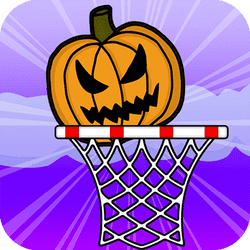
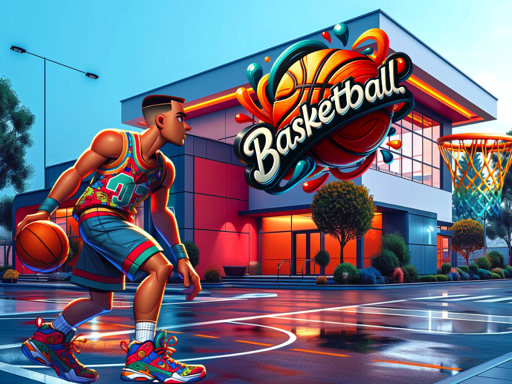
Basketball Flicker: Aim and Flick the Mouse to Shoot the Ball! . Start by pressing the left button anywhere on the screen. . While holding down the button, slide it to increase the power of your ball throw. . Release the button to throw the ball. Remember, you only have three ball throws per level, so use them wisely! Enjoy the game and make those shots count!
Click the screen to initiate your basketball challenge. Keep the screen to charge the force of your shot. Release the screen to shoot the basketball towards the hoop. Focus carefully to ensure the ball goes in successfully. Allocate your three shots carefully per level to optimize your performance. Modify your approach based on the range and trajectory to the net. Train to better your precision and reliability across all levels.